Photos of women posted in Discus will eventually be moved to secure sections of ClubHombre. Reimbursements and other incentives may be offered to major photo contributors.
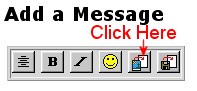
Step 1: Locate the toolbar below where it says "Add a Message" and above the message entry box and click the second button from the right
A popup box will appear as shown below
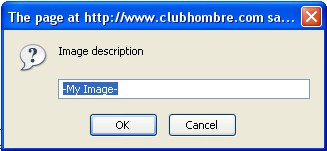
Step 2: Fill in the box with a short description of the photo, then click 'OK'.
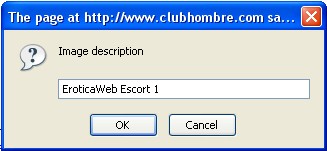
The coding to add the photo will automatically be added to the message box as shown below
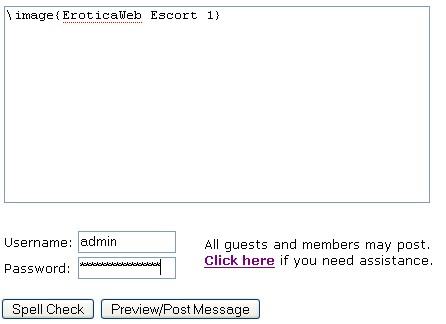
Step 3: Type in your username and password. After you click 'Preview/Post Message' the page should look like this.
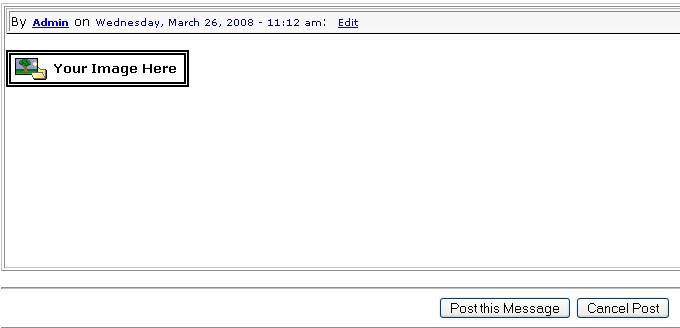
Step 4: Click 'Post this Message' to get to the upload page shown here.
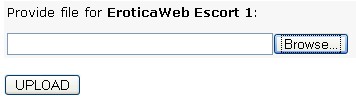
Click 'Browse', then find your file and click OK to fill in the location of your file as shown here.
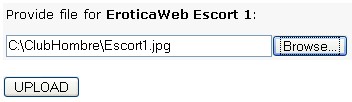
Step 5: Click 'Upload' and your post and photo should appear. If you are uploading a large file or multiple photos, you might need to wait longer than for a single small photo.